What Is a CRM? A Small Business Guide
What Is a CRM? A Simple Guide for Small Business Owners
Running a small business means juggling customers, phone calls, appointments, emails, and follow-ups. As your business grows, keeping track of everything becomes increasingly difficult.
Maybe you've forgotten to return a customer's call, lost track of someone who requested a quote, or spent too much time searching through text messages for important information.
That's where a CRM comes in.
A CRM helps small businesses organize customer information, manage leads, and build stronger relationships without relying on memory or scattered notes.
But what exactly is a CRM, and does your small business need one?
What Does CRM Stand For?
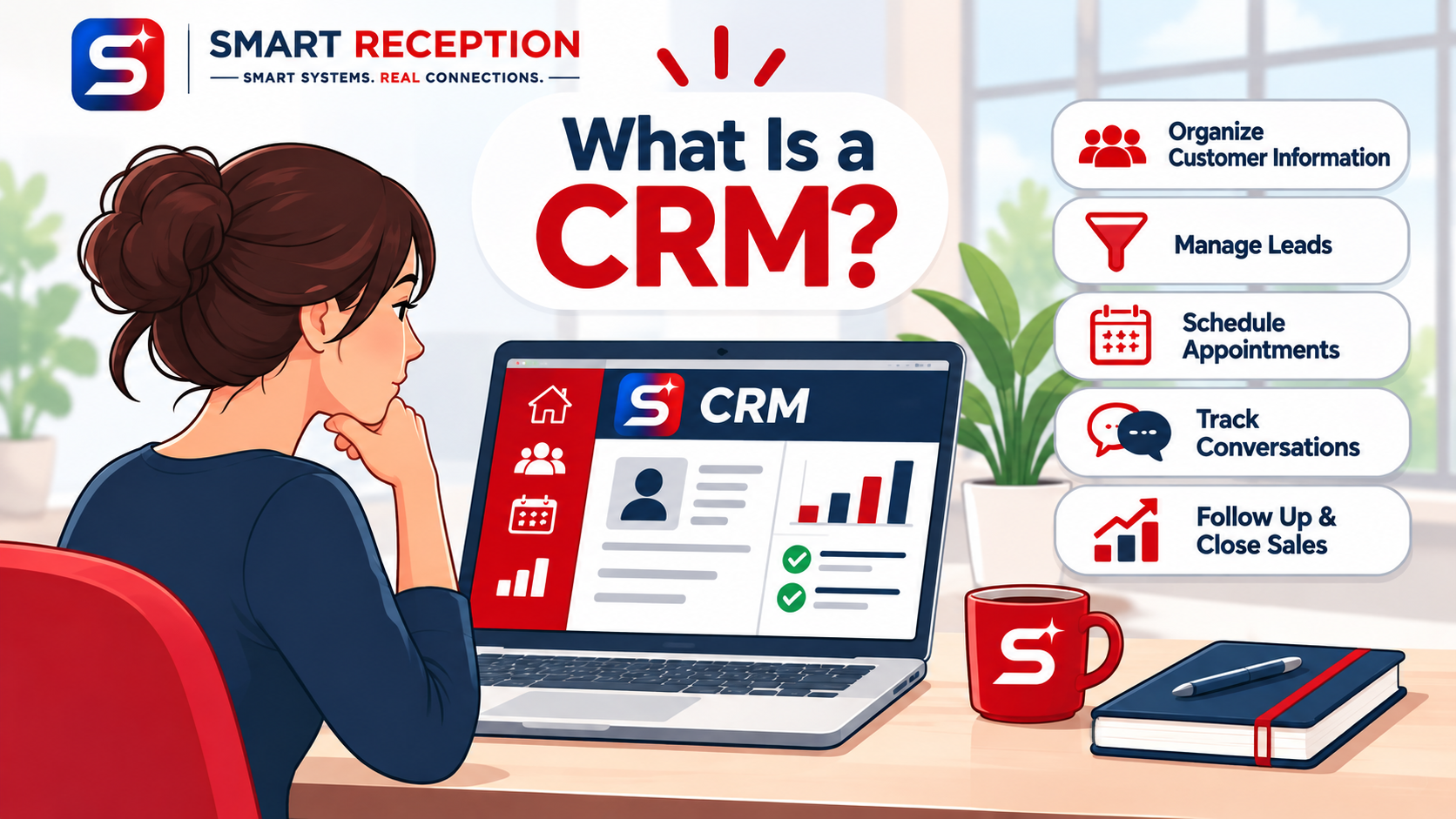
CRM stands for Customer Relationship Management.
The term describes both a strategy for managing customer relationships and the software businesses use to organize those interactions.
Think of a CRM as a central location for information about your customers and potential customers.
Instead of keeping phone numbers in your phone, appointment details in a calendar, and conversations scattered across emails and text messages, a CRM helps bring everything together.
A CRM can help you track:
Customer names and contact information
Phone calls, emails, and text messages
Appointments and scheduled services
New leads and quote requests
Previous customer interactions
Sales opportunities and follow-up tasks
The goal is simple: make it easier to manage customer relationships and avoid losing valuable business opportunities.
How Does a CRM Work?
Imagine you own a landscaping business in Parkersburg, West Virginia.
A potential customer visits your website and submits a request for a lawn-care estimate.
Without a CRM, that inquiry might arrive in your email inbox. If you're busy working on another property, you could forget to respond.
With a properly configured CRM, the process could look different.
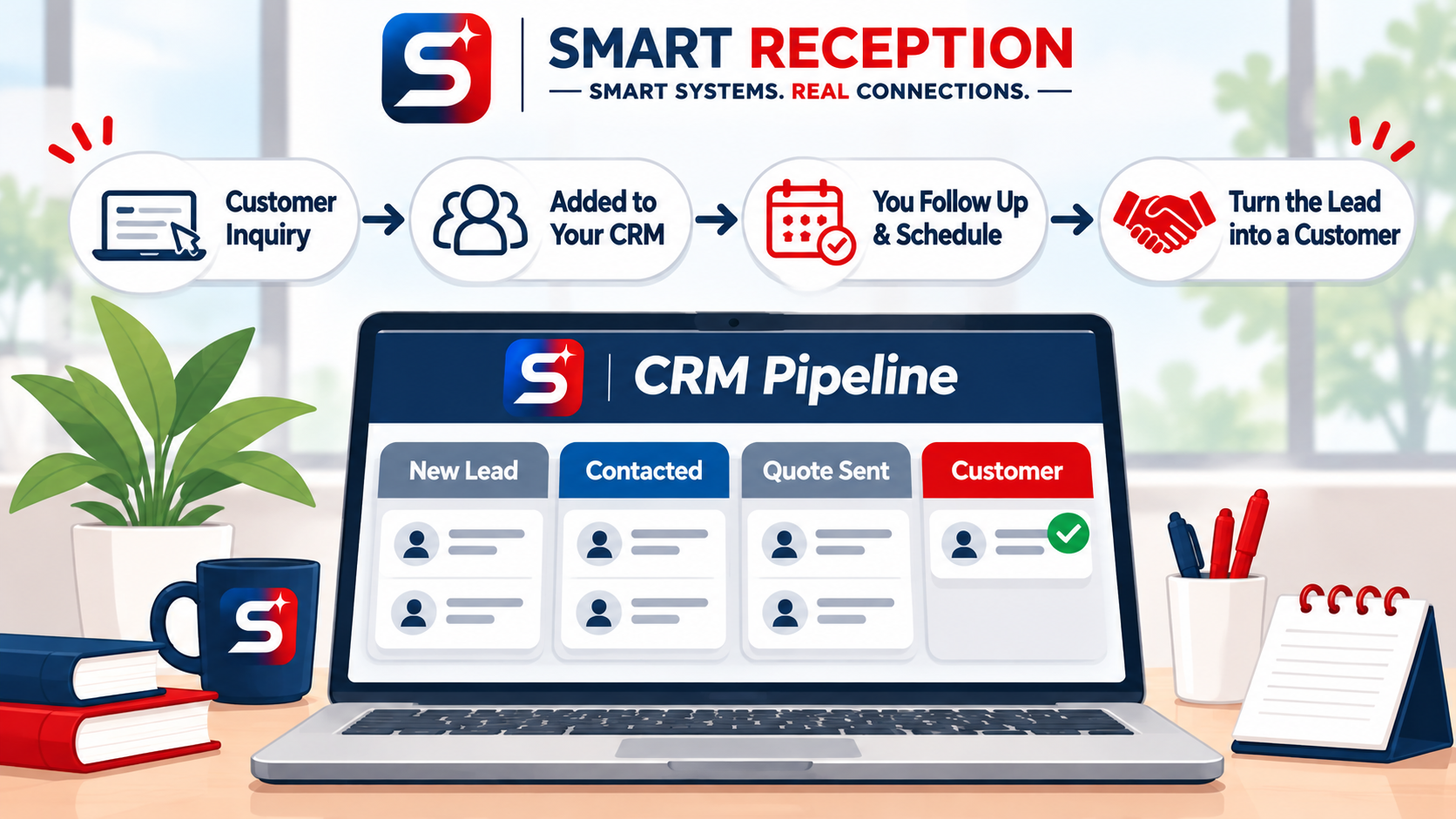
Step 1: A customer contacts your business.
The customer fills out your website's contact form or sends your business a message.
Step 2: Their information enters your CRM.
The CRM creates or updates a contact record so you can review their details later.
Step 3: You receive a notification.
Depending on your setup, you can receive an alert that a potential customer needs attention.
Step 4: You follow up.
You contact the customer, schedule an estimate, or send information about your services.
Step 5: You track their progress.
The CRM helps you keep track of whether the customer is a new inquiry, has received an estimate, or has booked your services.
Some CRM platforms can also automate parts of this process, such as sending an acknowledgment or appointment reminder.
Instead of depending entirely on memory, you have a system that helps keep the process organized.
Why Is a CRM Important for Small Businesses?
Many business owners assume CRM software is only for large companies with dedicated sales teams.
That's not the case.
In fact, small businesses can benefit significantly from having an organized customer-management process.
1. Keep Customer Information Organized
When customer details are scattered across multiple devices and accounts, finding information takes time.
A CRM provides one place to review contact details, notes, and interactions.
This can be especially helpful when multiple employees communicate with the same customers.
2. Improve Customer Follow-Up
Not every potential customer is ready to purchase immediately.
Someone might request a quote today but need time to make a decision.
A CRM can help you remember which customers need another conversation, allowing you to follow up consistently without relying on handwritten reminders.
3. Manage Leads More Effectively
A lead is someone who has expressed interest in your products or services.
A CRM helps you track where that person is in your sales process.
For example, you might organize your opportunities into stages such as:
New inquiry
Contacted
Quote sent
Appointment scheduled
Customer won
This makes it easier to understand which opportunities need attention.
4. Save Time Through Automation
Depending on the software you choose, a CRM may connect with tools that automate repetitive communication tasks.
Examples include appointment confirmations, follow-up reminders, and notifications when customers submit forms.
Automation doesn't replace personal service. It helps business owners handle routine tasks while staying focused on their customers.
5. Build Better Customer Relationships
Customers appreciate businesses that respond promptly, remember important details, and communicate clearly.
A CRM helps you deliver a more consistent customer experience by giving you access to the information you need.
What's the Difference Between a CRM and a Spreadsheet?
A spreadsheet can be a useful starting point for keeping track of customers.
You might create columns for names, phone numbers, services requested, and notes.
However, as your business grows, spreadsheets can become difficult to maintain.
A CRM is designed specifically for managing customer relationships.
Unlike a basic spreadsheet, many CRM systems can record communications, track sales opportunities, schedule follow-up tasks, and connect with additional business tools.
The main difference is that a spreadsheet stores information, while a CRM helps you manage the process surrounding that information.
For a very small business with only a handful of customers, a spreadsheet might be sufficient.
But when you're receiving frequent inquiries, managing appointments, or working with multiple customers each day, a CRM can become much more valuable.
What Types of Businesses Can Benefit From a CRM?
CRM software isn't limited to one industry.
Businesses that regularly communicate with customers or manage service requests may benefit, including:
Contractors: Track estimates, projects, and customer follow-ups.
Salons and spas: Organize appointments and customer communication.
Dental and medical offices: Manage permitted administrative communications using systems appropriate for patient privacy requirements.
Auto repair shops: Keep track of customer inquiries and service requests.
Real estate businesses: Organize prospective clients and follow-up tasks.
Professional service providers: Manage consultations, proposals, and ongoing relationships.
The most important consideration isn't the size of your business. It's whether having a centralized system would make your daily operations easier.
Do You Really Need a CRM?
Not every small business needs sophisticated CRM software right away.
But there are some signs that your business may be ready for one.
Ask yourself:
Do I sometimes forget to follow up with potential customers?
Am I managing customer conversations across several different platforms?
Do I have trouble remembering who requested a quote?
Am I spending too much time organizing appointments and messages?
Would having customer information in one location make my work easier?
If several of these situations sound familiar, it may be worth exploring a CRM.
You don't necessarily need the most expensive software or dozens of complicated features.
Start with a system that solves your biggest communication and organizational problems.
How Smart Reception Helps Small Businesses Stay Connected
At Smart Reception, we believe small businesses deserve professional systems that make customer communication easier.
A professional website is an important starting point, but what happens after a potential customer contacts your business matters just as much.
From website inquiries and appointment scheduling to phone and text communication, organized systems can help you create a smoother customer experience.
Smart Reception supports small businesses with managed websites and digital communication solutions designed to make daily operations more manageable.
Our approach focuses on combining smart systems with genuine customer connections.
Because technology should make running your business easier, not more complicated.
Final Thoughts: A CRM Is About More Than Contact Information
A CRM isn't simply a digital address book.
It's a tool that can help your business stay organized, manage opportunities, communicate consistently, and maintain stronger relationships with customers.
Whether you're running a growing service business or simply trying to keep up with daily inquiries, understanding CRM technology is an important step toward building more efficient operations.
And you don't have to change everything overnight.
Start by identifying where your business loses time, misses communication, or struggles with organization. Then explore systems that address those problems.
Ready to make your business website and customer communication work better together?
Visit Smart Reception to explore our services and request a quote.
Smart Systems. Real Connections.